
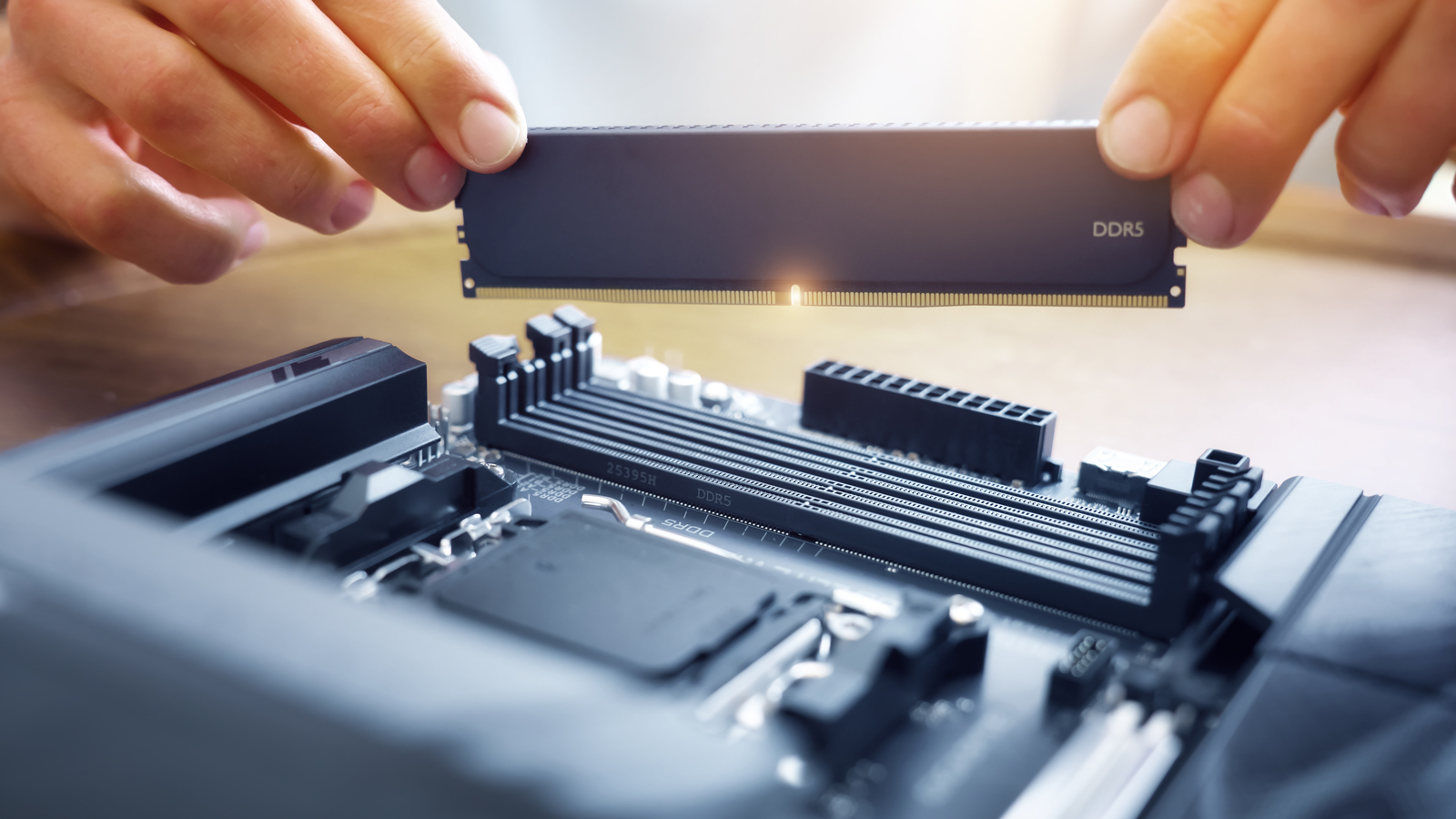


If you have R25,000 to drop on a gaming PC in 2026, you will find that you can’t get all the great specs you could get just one year ago, due to the global PC component crisis.
32GB RAM and plenty of storage will not fit into this kind of budget anymore.
In fact, it is a challenge to get what we would consider as the ‘bare minimum’ for a 2026 gaming rig.
Many games are asking for 16GB RAM and 100GB+ storage these days – so we consider 16GB RAM and at least 512GB storage to be the bare minimum for a gaming PC in 2026.
Thankfully, there are still a few configurations that let you build a suitable gaming PC in 2026 for R25,000 – with 16GB RAM, half a terabyte of storage, and an official copy of Windows 11.
The caveats: you will need to assemble it yourself, and you will have to make too many compromises to stretch your SSD storage past 500GB.
Below, we illustrate two distinct builds compiled with the same budget, and explain why we warn against one and recommend the other.
Build one: The high-end GPU
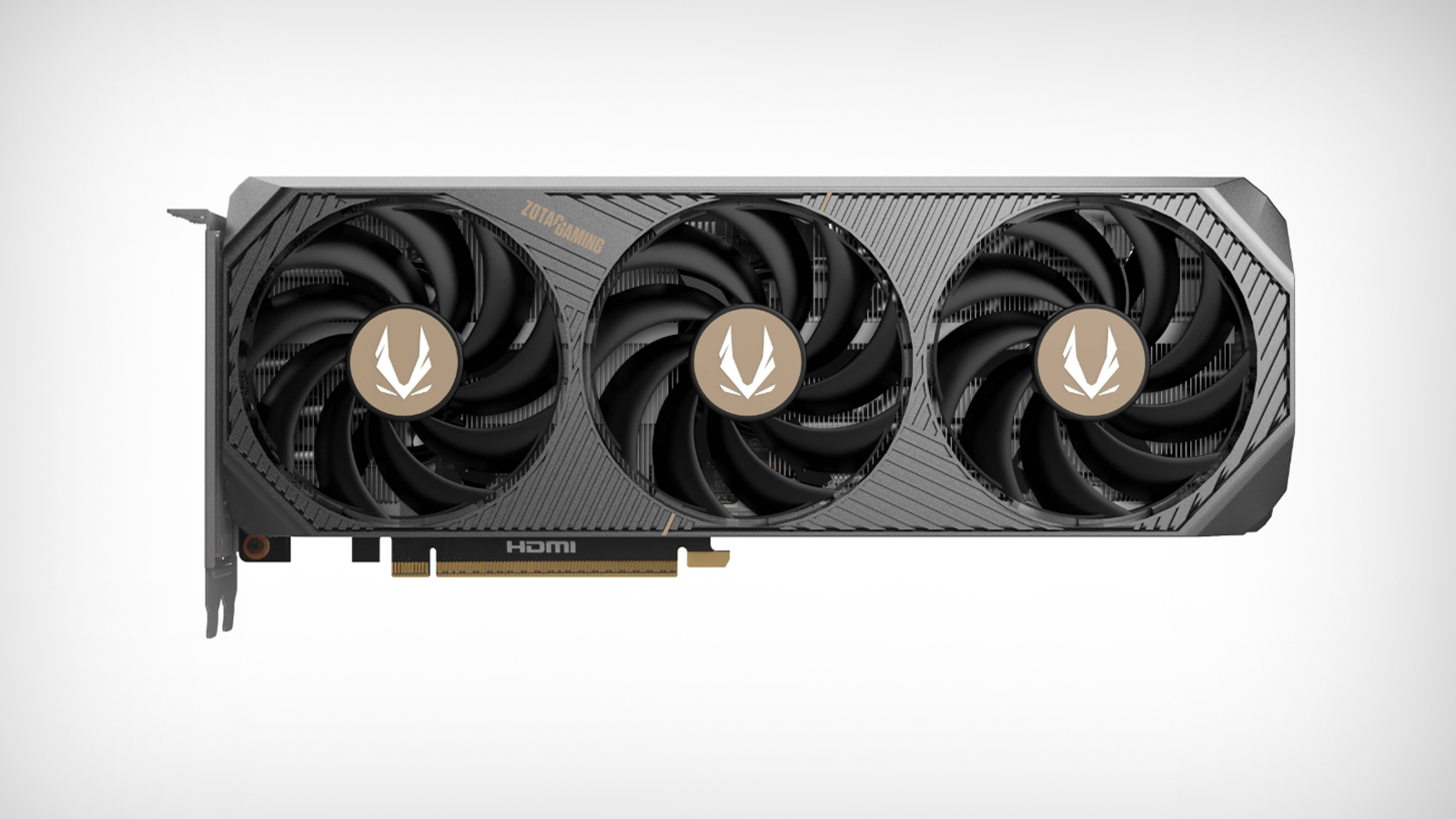
For many gamers, the GPU is the most important component of their build.
For this reason, we decided to build a PC where we chose the absolute best GPU we could, while still being able to build a ‘functional’ PC around it within our R25,000 budget.
The following table shows our ‘best-GPU’ build:
| Component | Product | Price |
|---|---|---|
| CPU | AMD 100-100001488BOX Ryzen 5 5600GT 6-Core 4.6GHz Socket AM4 | R3,199 |
| CPU Cooler | DeepCool R-AG200-BKNNMN-G GAMMAXX AG200 92mm Single Tower | R285 |
| GPU | Zotac GeForce RTX 5070 SOLID OC ZT-B50700J-10P 12GB GDDR7 192-bit PCIe 5.0 | R13,199 |
| Motherboard | Gigabyte GA-A520M-S2H A520M S2H AMD AM4 Socket A520 Micro-ATX | R1,286 |
| RAM | HIKSEMI HSC416U32Z1 Hiker DDR4 16GB (1x16GB) DDR4-3200 CL22 1.35V Black | R1,949 |
| Storage | Crucial CT500BX500SSD1 BX500 500GB 2.5″ 7.0mm SATA 3.0 6Gb/s | R1,699 |
| PSU | Antec V650 Atom V2 650W Non-Modular Black ATX | R699 |
| Chassis | Antec VX310 ARGB Clear Tempered Glass Black Steel ATX Mid-Tower | R499 |
| OS | Microsoft Windows 11 Home 64-bit – DSP Pack | R2,299 |
| Total | R25,114 |
We managed to get a R13,199 Nvidia RTX 5070 12GB card into this build, which accounted for more than half of the total build cost.
But in order to achieve this, the sacrifices in the rest of the build were significant.
We couldn’t fit DDR5 RAM, an M.2 SSD, or premium brands into this build, and had to resort to older technologies alongside lesser-known brands.
And, it turns out, slapping a modern, high-end GPU onto an outdated skeleton of a PC is a bad idea. The risk and potential for performance bottlenecks is high.
The concern here is that the 5070 is a powerful, demanding GPU that will draw a lot of power – and to cut costs, it has been paired with a bare minimum power supply.
The 650W power supply delivers 550W of continuous power, and only peaks at 650W. While Antec is a reputable brand, this PSU is their bottom-of-the-barrel extreme budget line option that is not targeted at intensive gaming PCs.
Yet, it is not technically incompatible.
It is also not advisable to choose a PSU that will be running at its limit continuously – as would be the case with this one.
Beyond the PSU, the A520M motherboard in this build only supports older-gen PCIe 3.0, while the RTX 5070 runs on PCIe 5.0. While PCIe 5.0 is backwards compatible, performance will be bottlenecked.
This may not be the worst of your problems, though. Other bottlenecks, such as the dated CPU, the slow SATA SSD, and the ‘office-grade’ slow DDR4 RAM, will impact performance significantly.
AMD’s “G” series CPUs don’t offer a lot of L3 cache – something that PC games are highly dependent upon.
It is also based on the slower AM4 channel and, when paired with the single-channel, slow RAM, will likely cause massive performance bottlenecks on this GPU.
Other potential bottlenecks include the budget chassis offering insufficient circulation for cooling, while the SATA SSD is lacking in DRAM cache and is much slower than M.2 SSDs, which are typically at least 4-5x faster even on the lower end.
Build two: The balanced build
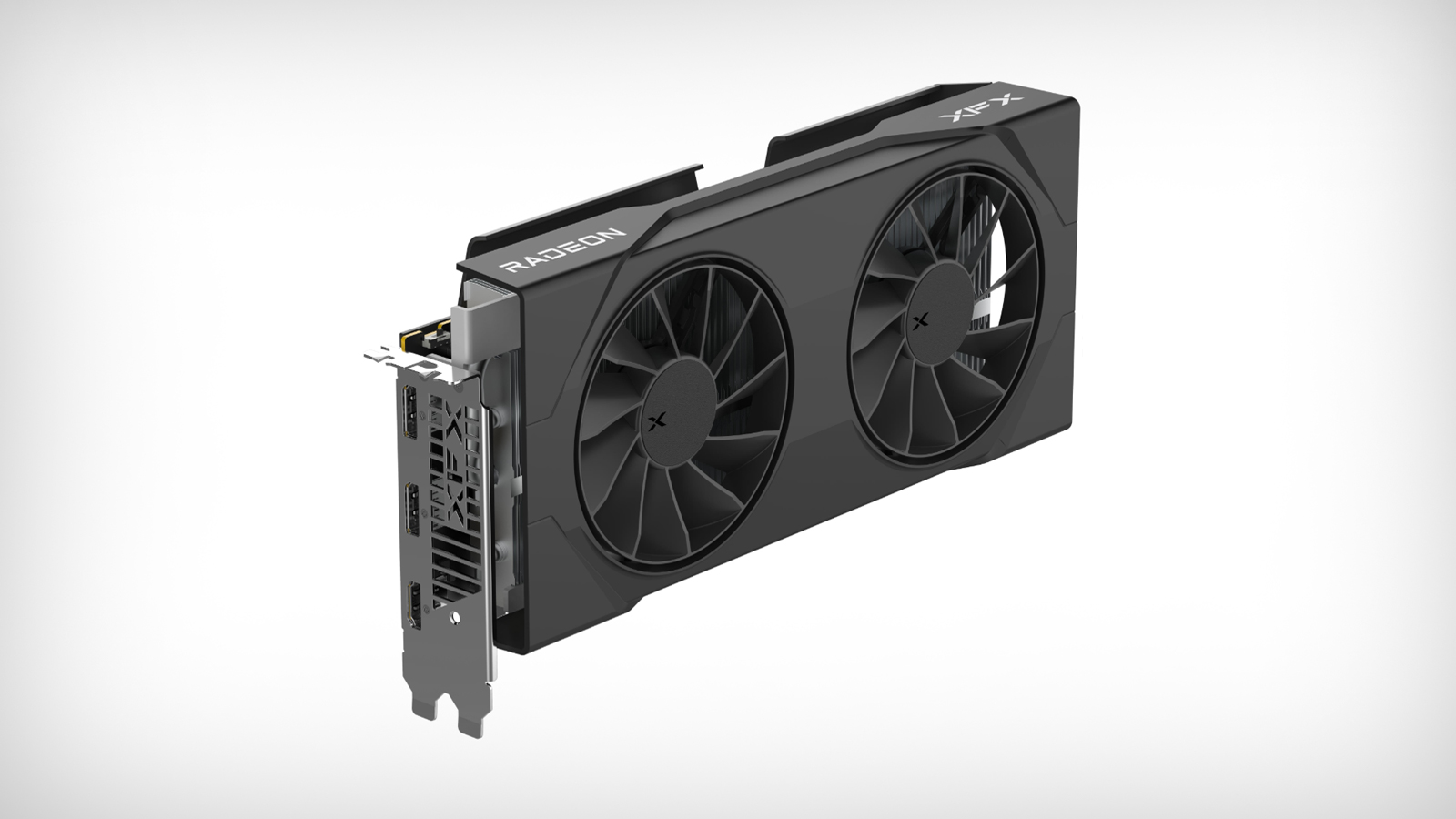
We then compiled a second build, which was a more well-rounded PC with newer technologies – DDR5 RAM and an M.2 SSD.
The table below shows our build for a well-rounded PC with a more modest GPU.
| Component | Product | Price |
|---|---|---|
| CPU | Intel BX80768225 Core Ultra 5 225 10-Core 4.90GHz Arrow Lake-S Socket Socket LGA1851 | R3,699 |
| CPU Cooler | ID-Cooling FROZN A620 PRO XE ARGB SNOW 120mm Dual-Tower White PWM | R749 |
| GPU | XFX Radeon RX 9060 XT Swift OC Gaming Edition RX-96TSW8GBQ 8GB GDDR6 128-bit PCI-E 5.0 | R6,999 |
| Motherboard | Gigabyte B860M K Intel B860 LGA 1851 Arrow Lake Micro-ATX | R2,192 |
| RAM | Corsair CMH8GX5M1B5200C40 Vengeance RGB 8GB (1x8GB) DDR5-5200 CL40 1.25V XMP Black | 2x R2,471 |
| Storage | Western Digital WDS500G4G0E WD Green SN3000 500GB M.2 2280 PCIe 4.0 x4 NVMe | R1,899 |
| PSU | ASUS TUF GAMING 750W 80 Plus Bronze Non-Modular Black | R1,199 |
| Chassis | Montech AIR 1000 Lite Tempered Glass Black ATX Mid Tower | R999 |
| OS | Microsoft Windows 11 Home 64-bit – DSP Pack | R2,299 |
| Total | R24,977 |
A build like this doesn’t allow for a GPU that competes with the RTX 5070 12GB at the latter’s full potential.
But, as explained previously, the RTX 5070 12GB will almost certainly be bottlenecked.
On paper, the higher-end GPU in the first build may seem attractive, but in the long run, it is possible – even likely – for it to be so heavily bottlenecked by the surrounding components that the ‘balanced’ build outperforms it.
By choosing a more affordable GPU, we also had more budget to allocate to other components, meaning we weren’t scraping the bottom of the barrel.
We could choose 2x8GB RAM sticks, eliminating the bottlenecks caused by running 16GB over a single channel, as well as a much faster SSD, a chassis that offers better cooling, a much better CPU, and a better CPU cooler.
There are significant advantages to the balanced build beyond eliminating bottlenecks. Higher-quality brands give you greater peace of mind, as you can check their reputation.
But more than that, this build is more upgradeable in the future, since it contains a motherboard that supports DDR5 RAM, an M.2 SSD, and a more modern LGA1851 processor socket.
This means that if you wanted to upgrade in a few years, you could most likely just add some DDR5 RAM or M.2 SSDs, or replace the processor without a complete system overhaul.
If you had an older socket paired with DDR4 RAM, one upgrade may cascade into several, as you might not be able to get a better CPU that is compatible with the older motherboard – and once you replace the motherboard, you will likely need to replace the DDR4 RAM with DDR5 RAM, and so on.






 Loading ...
