



Navigating the graphics settings menu in your favourite PC game can be a daunting task.
Here are the most important graphics settings you should be aware of and how they affect your in-game performance.
Vertical Sync, FOV, and motion blur
Vertical synchronisation (V-Sync) prevents screen tearing by syncing your monitor’s refresh rate to the number of frames your graphics card produces.
The main concern with V-Sync is the input lag it produces, but you can avoid this by using an adaptive refresh rate monitor that supports Nvidia G-Sync or AMD FreeSync.
Motion blur simulates natural movement, and you should turn it off if you need more performance. This is especially true in the case of per-object motion blur, which can reduce performance significantly.
Field of View (FOV) determines how wide the camera angle is. FOV is the most relevant for first-person games, and the ideal range is between 90 and 110 degrees — anything more than 110 starts to look distorted.
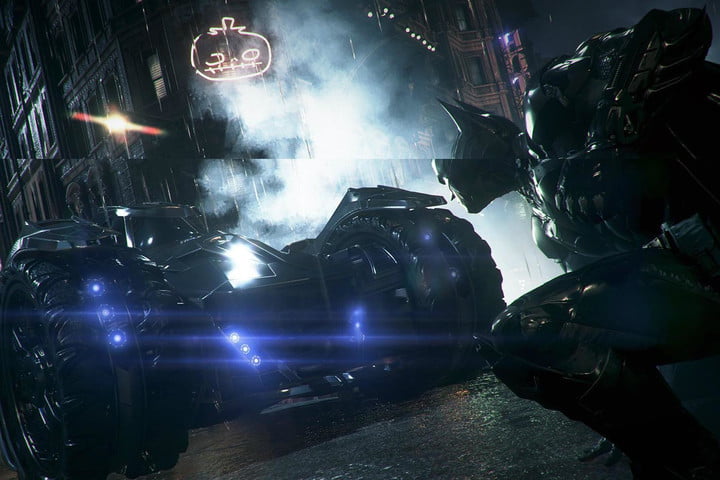
An example of screen tearing in action.
Shadows, lighting, and ambient occlusion
If your graphics card has to render high-quality shadows and lighting, then the framerates that it produces will be significantly impacted. For the best performance, you should decrease your shadow and lighting quality.
Ambient occlusion involves how object shadows are cast on one another and how they interact. You should turn ambient occlusion down or off to see improved performance.
Anti-Aliasing
Aliasing is when curved lines in video games appear jagged, much like stairs. Anti-aliasing prevents this from happening.
Supersample Anti-Aliasing (SSAA) is the most demanding to your system, and you should avoid using it unless you have a powerful enough GPU.
Multisample Anti-Aliasing (MSAA) is a better choice than SSAA and has multiple options ranging from 2x MSAA to 8x — stick to 2x as 8x is more resource-heavy.
You should also avoid enabling Temporal Anti-Aliasing as it is prone to visual artefacts like ghosting and streaking.
Fast Approximate Anti-Aliasing should be your go-to option if you want more performance, as it is the least resource-intensive.
Reflections and ray-tracing
The golden rule for reflections is to turn them off at first and then gradually increase them to see how much your framerates are affected — lower quality usually means better framerates.
Ray-tracing is one of the most demanding tasks for a GPU to perform since it draws individual rays of light from a source to mimic real-time lighting.
These light rays can bounce off objects and cast shadows to make in-game scenery beautifully realistic, but you need a graphics card that can ray-trace, like Nvidia’s RTX series cards.
However, even with an RTX card, ray-tracing still impacts gaming performance significantly.
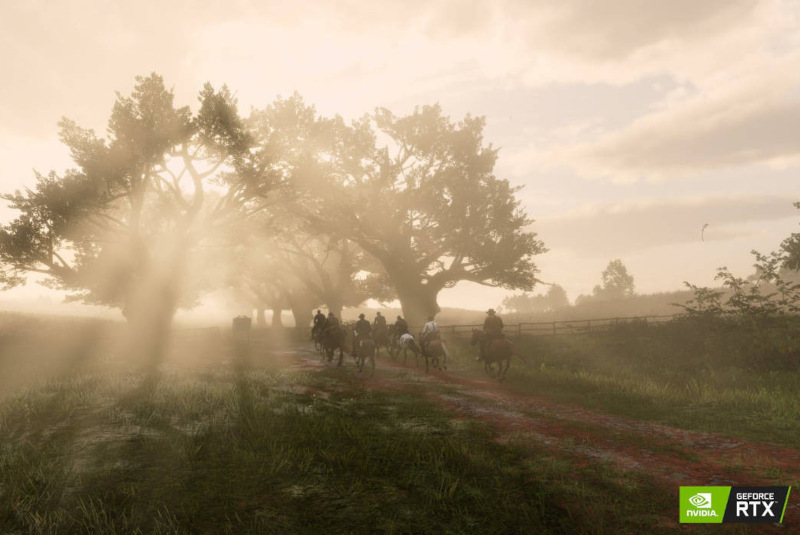
Ray-tracing can give players beautifully rendered realistic lighting, but it comes with a high cost to performance.
Read: The games reportedly leaving PC and Console Game Pass in April






 Loading ...
