10 things you should never do to your PC

DarthMol

New member
Some top tips for taking care of your PC courtesy of this article on PC Gamer I found this one to be especially helpful:
Mix your recyclables
Have you just been dragging everything into the same recycle bin on your desktop? PNGs, AVIs, word docs, JPGs of Joe Manganiello you were collecting for a pinterest page before you kind of soured on him and decided you were more into Alexander Skarsgård? That empty New Folder(6) and that Quicktime shortcut that always seems to re-appear and that half-written angry letter to the Marriott for charging you for renting the new Godzilla movie, but then you realized you did rent it, it was just so dull you completely forgot?
You need to sort these files into separate bins to protect the environment of your computer. You don’t want to start a new text file and discover it’s made from recycled Weezer mp3s, do you? Gross!

Spoiler: show
They are not entirely serious... I'm sure you'll be able to tell...
 
The correct process for removing a USB drive is really quite simple. Make sure the files are snuggly strapped in, then ‘eject’ the drive in Windows. Now get out your Number 8 USB Drive Clamp and gently fasten the rubberized grip to the drive. At this point, you may want to uninstall Windows to be safe, but shutting down and unplugging your PC should suffice. It’s now time to dig out your anti-static wristband, universal serial wrench, long nose pliers, drive jack, and cork socket stopper. Unfasten the drive with your wrench, then carefully use the drive jack to slowly back it out of the socket, letting the clamp keep it steady. When it’s nearly there, remove the jack and grip it with the long nose pliers. Be ready! As soon as the drive is removed, you need to immediately plug it with your drive stopper to keep the files from falling out. You may want to enlist a second pair of hands for this.

That's by far the best description of how to safely remove a USB drive from a machine I've ever read.
 
That's by far the best description of how to safely remove a USB drive from a machine I've ever read.

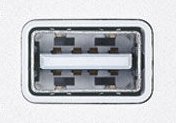
I'm surprised they don't have a procedure for inserting one but I suppose everyone knows it by now:
FRH0GIUID7UVN3U.MEDIUM.jpg
 
what usb ports SHOULD look like

The female is fine, it's the male that's wrong...


Shit, I sound like my wife.

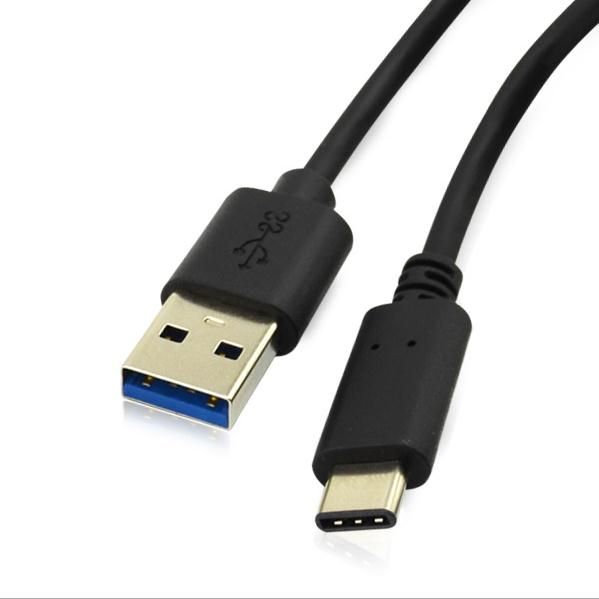
100cm-1m-usb-c-usb-3-1-type-c-male-to-3-0.jpg


Male USB-C has been adapted, and from USB standard C onwards, it won't matter which way around you plug in, baby.
 
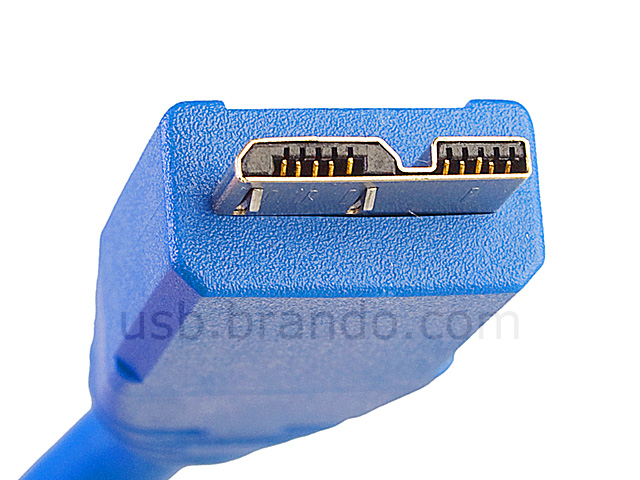
And now we also have this wonderful connectors, someone needs to be shot:

*PICTURE SNIP*

Those aren't as bad, IMO. It's obvious at a glance which way around it should go in, and won't go in half way before feeling like it's gonna break your pc, and then go in half way the other way around before feeling like it's gonna snap.

The cardinal design rule that the USB guys broke was: If something remotely looks like it might be symmetric, it had better bloody be symmetric.
 
Back
Top