

You are using an out of date browser. It may not display this or other websites correctly.
You should upgrade or use an alternative browser.
You should upgrade or use an alternative browser.
Thread Killer - Gaming Edition (PG13)
- Thread starter Ghost02
- Start date
- Status
- Not open for further replies.
OmegaFenix
The Legendary Troll Hunter
TK as porn? ........ lol
Fenix - atm it's 2gb ....... but, I might opt for a semi shaped or shaped account instead and get more cap.
Well, Mappy correct me if im wrong, but Playing Cod or something online doesn't consume that much cap, does it? Maybe up it to 3gb.

Mephisto_Helix
Grump Squad
I can't up jackshit for a while ...... I will just play much less in the meantime.

Maplassie
AK47 Pew Pew
Well, Mappy correct me if im wrong, but Playing Cod or something online doesn't consume that much cap, does it? Maybe up it to 3gb.
1 night of COD without any other usage can take 100-200mb. Average is like 120MB, very good network code in the COD games.
Battlefield 2, can take up to 200MB PER MAP! One saterday's playing of Project reality from the saterday afternoon till the wee hours of sunday morning, set me back 3.5GB lol.
Mephisto_Helix
Grump Squad
 100-200mb for 1 night ............ eish.
OmegaFenix
The Legendary Troll Hunter
1 night of COD without any other usage can take 100-200mb. Average is like 120MB, very good network code in the COD games.
Battlefield 2, can take up to 200MB PER MAP! One saterday's playing of Project reality from the saterday afternoon till the wee hours of sunday morning, set me back 3.5GB lol.
WOW. Ill steer clear of PR then. Not bad for a whole night, whats that, 5 hours, 6?
OmegaFenix
The Legendary Troll Hunter
But if its Local is shouldn't matter. Coz i have a mweb account and as i understand it my local cap shouldn't affect my over all cap, which is 3gb.
Mephisto_Helix
Grump Squad
/wonders what mission is involved having two different accounts on one router ........
coz if me wants to play, I'll have to try get a local account sometime.
coz if me wants to play, I'll have to try get a local account sometime.

Solidus
New member
Cap is for ppl who like bottles
an its a currency for trade in some alternative reality
Solidus
New member
/wonders what mission is involved having two different accounts on one router ........
coz if me wants to play, I'll have to try get a local account sometime.
Check MyBB think some guys have done this already
OmegaFenix
The Legendary Troll Hunter
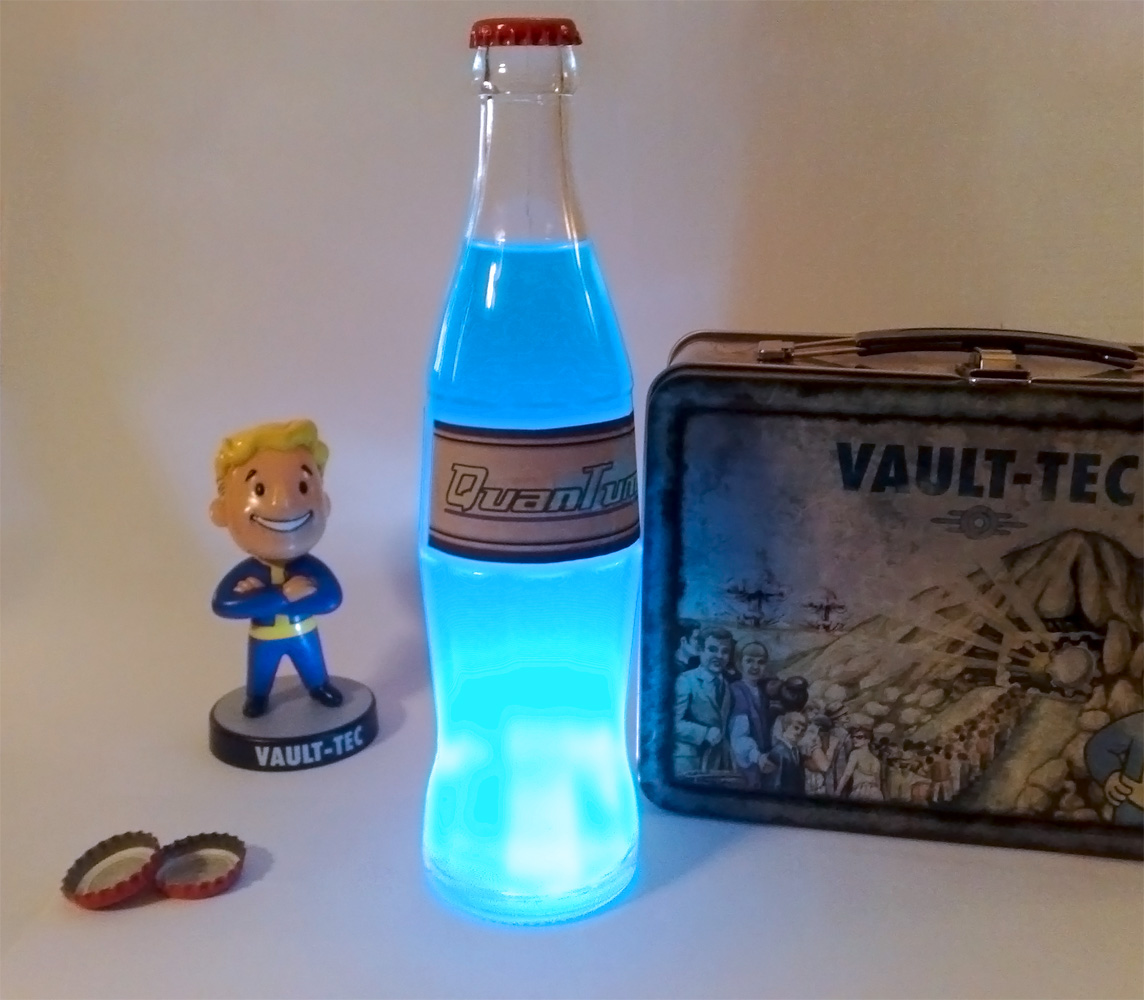
mmmm Nuke-a-Cola Quantum....
OmegaFenix
The Legendary Troll Hunter
This Takes the Cake for me.

Mephisto_Helix
Grump Squad
bleh, it's a mission to have 2 accounts ....... by my reading anyway
Solidus
New member
mmmm Nuke-a-Cola Quantum....
With some extra radiation cause I smaak to grow an arm out my belly

Mephisto_Helix
Grump Squad
hmmm ........ I can haz a semi-shaped account ...... that gives me 5gigs for only an extra R80 odd ...... and you boners only game at night anyway
Maplassie
AK47 Pew Pew
/wonders what mission is involved having two different accounts on one router ........
coz if me wants to play, I'll have to try get a local account sometime.
This is what I did MH, you can give it a bash.
I wanted an automated way to switch between the two accounts on my Billion 7402G (which is standard configuration an not bridged mode).
Enter http://www.autohotkey.com and this little script:
SendMode Input
Run telnet.exe
WinWait, C:\WINDOWS\system32\telnet.exe
BlockInput, on
ControlSend , ahk_parent, o{SPACE}192.168.1.254{ENTER}, C:\WINDOWS\system32\telnet.exe
sleep 1000
WinWait, Telnet 192.168.1.254
sleep 1000
ControlSend , ahk_parent, username{ENTER}, Telnet 192.168.1.254
sleep 2000
ControlSend , ahk_parent, password{ENTER}, Telnet 192.168.1.254
sleep 2000
ControlSend , ahk_parent, pppoe set transport wanlink username username@626{ENTER}, Telnet 192.168.1.254
sleep 2000
WinClose Telnet
compiled as an .exe using autokey and then invoke using Windows Task Scheduler. The .exe is invoked at 6pm eack week day, while an equivalent .exe for WA is scheduled for 6am each week day.
Maplassie
AK47 Pew Pew
With some extra radiation cause I smaak to grow an arm out my belly
there is allmost nothing on this forum, more awesome than that picture
Mephisto_Helix
Grump Squad
This is what I did MH, you can give it a bash.
I wanted an automated way to switch between the two accounts on my Billion 7402G (which is standard configuration an not bridged mode).
Enter http://www.autohotkey.com and this little script:
SendMode Input
Run telnet.exe
WinWait, C:\WINDOWS\system32\telnet.exe
BlockInput, on
ControlSend , ahk_parent, o{SPACE}192.168.1.254{ENTER}, C:\WINDOWS\system32\telnet.exe
sleep 1000
WinWait, Telnet 192.168.1.254
sleep 1000
ControlSend , ahk_parent, username{ENTER}, Telnet 192.168.1.254
sleep 2000
ControlSend , ahk_parent, password{ENTER}, Telnet 192.168.1.254
sleep 2000
ControlSend , ahk_parent, pppoe set transport wanlink username username@626{ENTER}, Telnet 192.168.1.254
sleep 2000
WinClose Telnet
compiled as an .exe using autokey and then invoke using Windows Task Scheduler. The .exe is invoked at 6pm eack week day, while an equivalent .exe for WA is scheduled for 6am each week day.
youz be a technical chappy huh  If I go for 2 accounts, I'll be sure to make use of this ting bru ..... ta
OmegaFenix
The Legendary Troll Hunter
there is allmost nothing on this forum, more awesome than that picture
My awesome googling abilities come in handy every now and again.
- Status
- Not open for further replies.