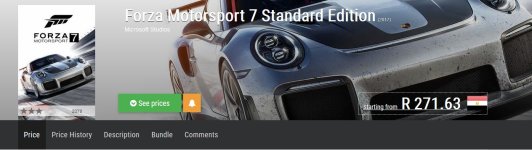
the game is advertised on the russian store for 999.50 rubles which is about R247 rand. Go to sea gamer and buy a 1000 ruble gift card for about 16 dollars (i paid via paypal as i didnt want to enter my card details on a site i didnt know)
once i got the voucher when you click on the pay for the game button (i used the google translate camera feature on my phone which instantly translates the russian text to english when you point your phones camera to the screen)
at the payment dialogue there is 3 options first one is your credit card, which wont work, second one is owly,qowly or whatever which i dont know, third one translates to activate card (which is for the gift car)
once you enter the 25 digit card your ms account will be credited with 1000 rubles, you can then click to buy the game and another dialogue will pop up with boxes that needs to be filled (those boxes are for a russian address) you need a russian address to bay for the game (so i did the same when i buy games from other regions on the xbox) i entered the address on the radisson hotel in moscow and clicked on the blue button again and the game is now in my possession.
if my instructions are a bit vague just watch the
video i did
if you open up the windows store on windows 10 or check on your xbox (which i still have to wait a month for)
View attachment 25271
you will see that the game is now linked to your account