



Many PlayStation 4 owners (myself included) have been suffering from a grievous issue involving the random and unwarranted ejecting of discs.
No, your PS4 does not disagree with your taste in video games and is disgustedly spit them out. It’s something rather more insidious, an engineering oversight.
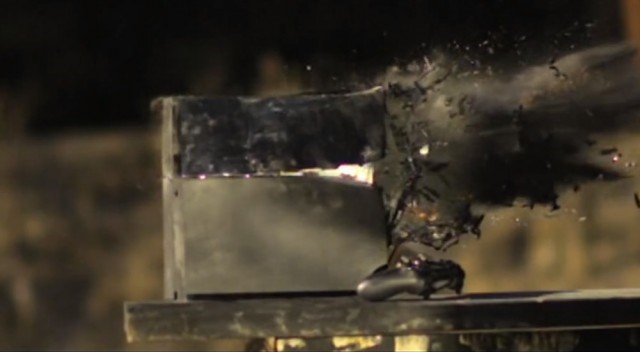
Resist blasting your PS4 with a .50 calibre rifle.
A silly design issue causes the rubber leg fitted directly beneath the eject button to begin shooting your hard copies out. Then there is also an elusive screw under the hood of your console that might need tightening.
Do not despair, fellow peasant, thankfully there are some simple fixes for this aggravating issue.
The first is to hold the power button down until two beeps are heard. Then, reboot the system in safe mode and select ‘rebuild database’.
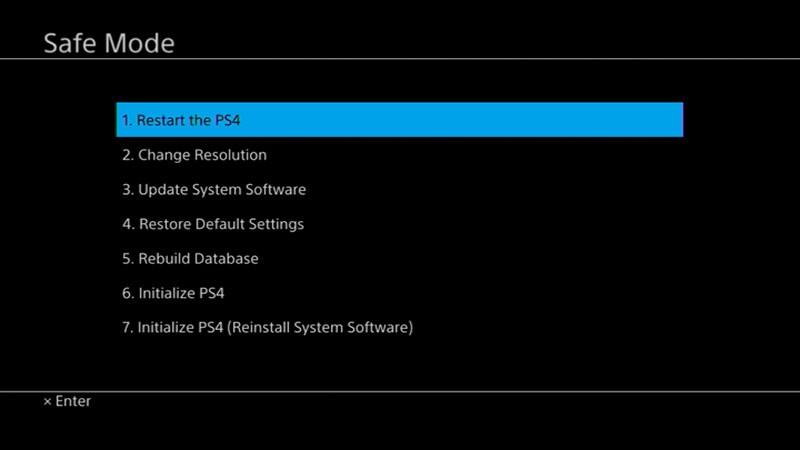
Select option 5 in Safe Mode.
If that doesn’t work, unplug the PS4 and leave it for three minutes. Plug the bad boy back in again and the issue should be resolved.

Make sure your system is off and remove the AC power cord.
One can also prop the PS4 on two cases of the same size with a gap between to allow the rubber foot below the eject button to be suspended. You could also circumcise your console by cutting off the pesky rubber dingaling.
These are, however, temporary fixes which to my experience only last a few days.
The real fix involves a bit of handy work. It’s time for a little DIY.
Approach your PS4 and look at the shiny part covering the disc tray. With a bit of elbow grease, one can remove this lid by clicking it out of place and removing it to the side.
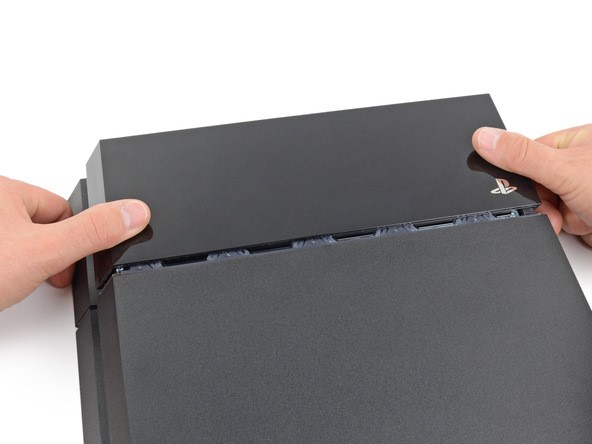
Remove the shiny lid by slotting it to the side.
What you’re looking for now is a miniscule screw, pictured below.
It’s positioned close to the front of the PS4 along the left side. Supposedly, this screw can become loosened, causing the aneurism-forming problem.
Once you locate this screw, grab a tiny screwdriver and turn the little guy clockwise several times. It will not tighten, but that should keep your PS4 together and stop it from ruining your enjoyment.
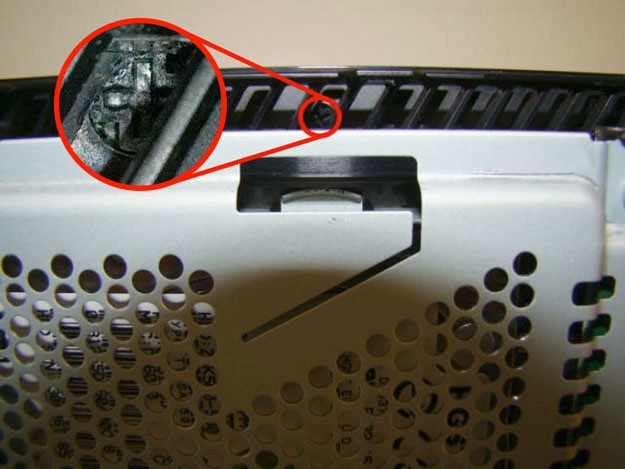
Here’s the culprit. A tiny screw in the little slots along the side of the PS4.
I had to do this screw-tightening job twice, once several months ago and again the other day when this problem began again, so always keep that screwdriver handy.
Should you not want to risk being capable and possibly screw around with your warranty, you can always just contact Sony and send it in for repairs, taking who knows how long to return. This is provided your warranty is still intact.
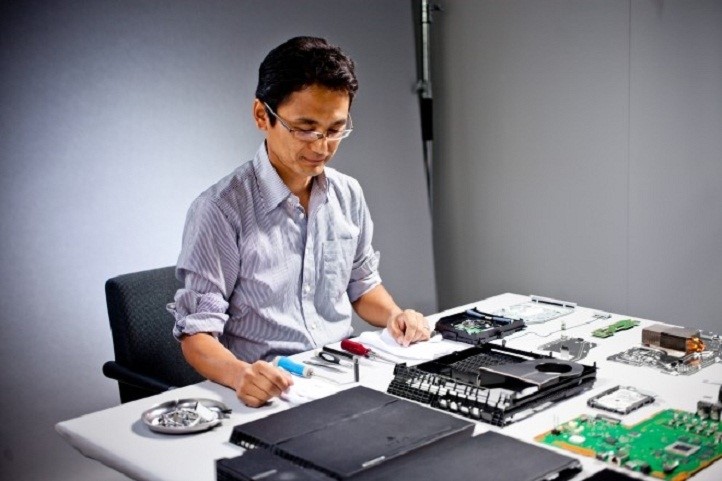
You can send your PS4 in for repairs, which will take a good while.
From the ‘Red Ring of Death’ to your general breakage, I’ve experienced every console-based sorrow known to man. What are some of your infuriating experiences?
Let’s keep talking about the PS4, shall we
Darth Vader-themed PS4 bundles include classic Star Wars games






 Loading ...

just buy the vertical stand and tadaaa