



Gamers choose to build their own gaming PC for a number of reasons, such as cheaper cost or enjoyment.
However, gamers who are new to the world of PC hardware may be a bit lost when building a PC and could make some easily-aviodable mistakes.
While the actual mechanics of installing components is relatively simple, some parts are slightly complex and could even result in unfixable problems.
Below are some of the biggest mistakes to avoid when building your own gaming PC:
Choosing the wrong parts
Gamers who are building a gaming PC for the first time may get excited by the sheer amount of hardware choice available and forget that some parts are not compatible with others.
Always research specifications to ensure that your components match up in order to avoid a costly mistake.
Another mistake often made by new PC build is the purchase of a low-end power supply. A power supply should supply enough power for all your components and also be a reliable and good-quality product.
Using a cheap power supply can put all connected components at risk in case of failure, and the higher price of a good PSU is usually worth the added peace of mind.

Attempting DIY
If you are new to building a PC, do not attempt to modify any components or electronics.
Chances are, if it doesn’t fit in its slot, it’s not meant to.
The last thing you want to do is to accidentally destroy an expensive component by trying to “fix” it.
Take any problems to somebody more experienced in order to find out how it should be fixed.
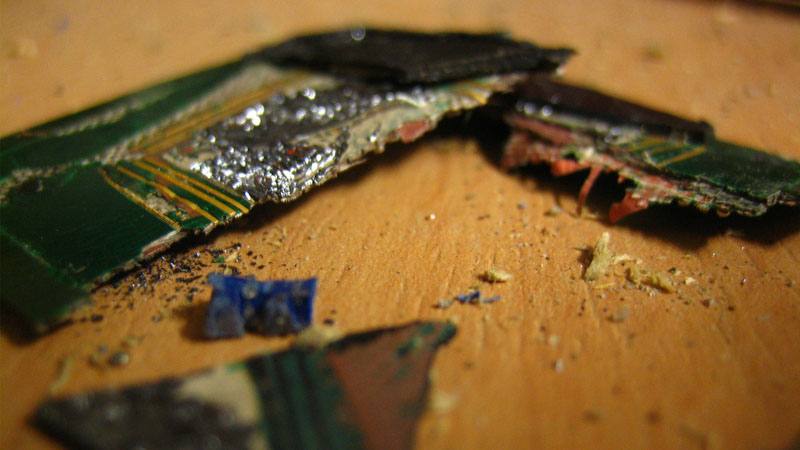
CPU heatsink problems
CPU and cooler installation is where many PC builders make mistakes.
Firstly, ensure that you install your CPU into its slot on the motherboard correctly and gently in order to avoid permanent damage.
Many gamers have completely written off their hardware after breaking a couple of socket pins while recklessly installing a processor.
Also, make sure that you apply the correct amount of thermal paste to your CPU cooler and don’t forget to peel the plastic off the heatsink contact plate (yes, people have actually left this on).

Forgetting to install the I/O shield
This is more of a frustration than a problem, as it requires the reinstallation of the motherboard.
The I/O shield needs to be installed before mounting the motherboard on its standoffs in the chassis, and the back of the chassis usually looks terrible without it (not to mention it allows dust and objects to enter the motherboard area easily).
Even experienced system builders sometimes forget about the I/O shield until they have installed their custom-built watercooled components, resulting in a lot of frustration.







 Loading ...

Biggest mistake: choosing PC. Rest is moot.