Wyvern
Khaleesi
Last edited:
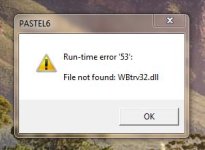
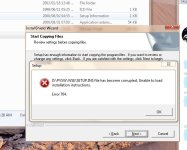
I've done lots of programming on Pervasive and that first dll is a Btrieve dll which is used with Pervasive.
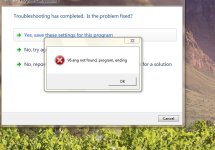
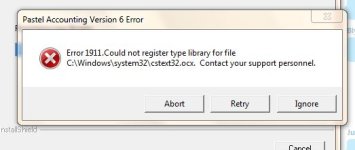
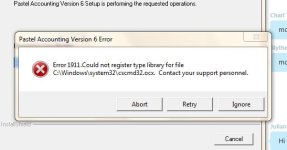
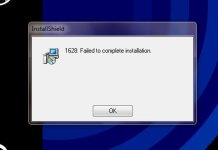
However, to me it also looks like administrator mode may be the problem. Did you right click on the install file, and in compatibility mode say "Run as administrator"?

try turning off UAC and running the app in xp compatibility mode
Ok wait what is UAC? And where do I turn it off?
Soli, that is what I am starting to think, I might see if I can get a new disk or download from pastel directly.
Ok just spoke to pastel - they burst out laughing at me :S
I apparently need to go back to windows xp. It wont run in 7.
Now I have a query, if I just put my old hardrive into the new pc, can I just select the drive to boot from for the half a day that I need to do the work on pastel? And then swop back to win7?
It depends on the drivers and things. In theory in may be possible.
It's not nice that they laughed at you though.![]()
Thanks for all the help guys.You should be able to set up dual boot with both drives in. That being said, if you boot into your old XP, do it in safe mode, go into the device manager and delete everything. Reboot, and install the drivers for the new machine. You may (read: probably) need to re-activate XP depending on your license.
Not the easiest thing, but not overly complicated either. Just make sure you have backups.