


While most PC gamers have taken screenshots before, it’s usually to record valuable information we may need to remember later, such as a secret message or game crash.
Occasionally, we may take a quick screenshot of a funny moment or save a replay of an awesome play, but most gamers don’t fire up a game for the sole purpose of taking screenshots.
Well, a few dedicated artists do, and they capture absolutely beautiful images.
Video game photography is a hidden art which works similarly to regular photography, although the screenshotter has a variety of graphics options and camera angles at their disposal, which allows for unique images.
Below are some basics to help you take amazing video game screenshots:
Screenshot Techniques
Quality is one of the mosty important aspects of taking good screenshots, as a 720p image is not going to look nearly as good as a 4K picture.
If you wish to increase the resolution of your screenshots, use either Nvidia’s Dynamic Super Resolution AMD’s Virtual Super Resolution features respectively.
The next important step to consider is your choice of capture software, and there are a variety of options available.
Luckily, any software that captures in a lossless .PNG format will work, including GeForce Experience and MSI Afterburner.
Software and Effects
While some screenshot artists don’t use any effects whatsoever in order to retain the in-game atmosphere, you may want to add effects to brighten up your images.
Any photo editor software such as Photoshop can be used to change the tone of your screenshots and hide any artifacts or aliasing.
Whether you use editing software or not, the realistic graphics of today’s PC games mean that the art of taking screenshots is very similar to conventional photography, albeit inside a 3D graphics engine.
Artwork
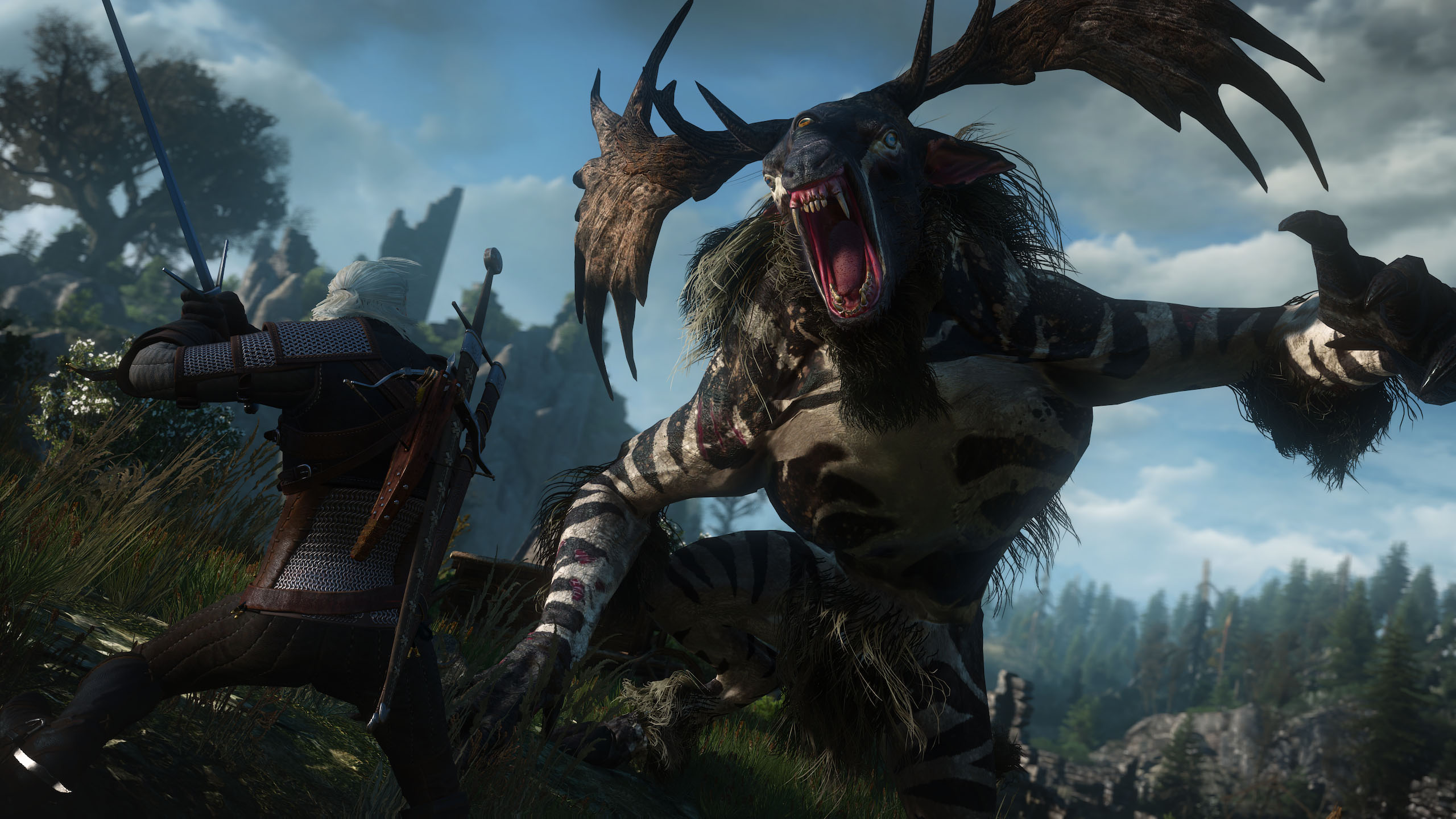
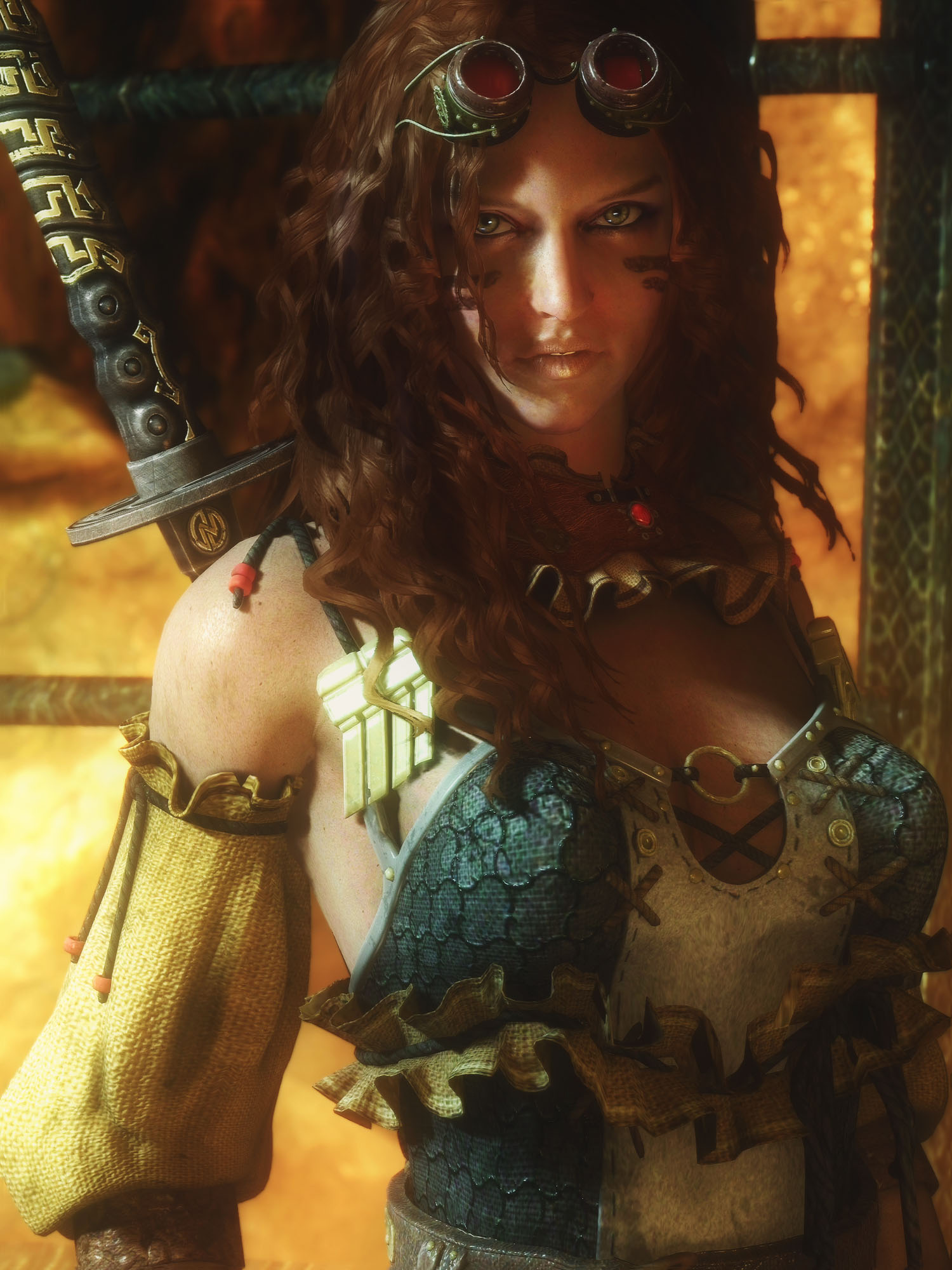
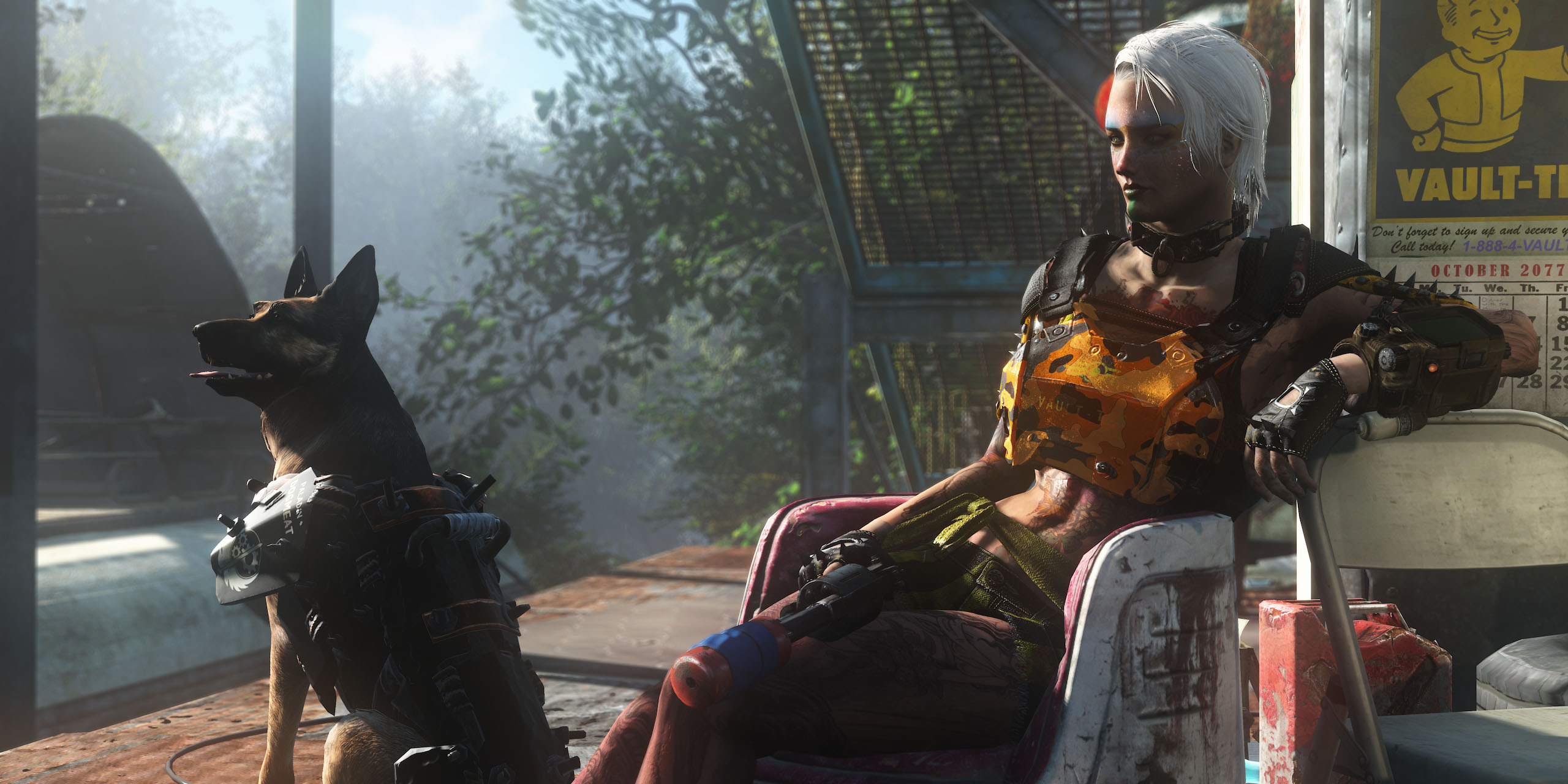
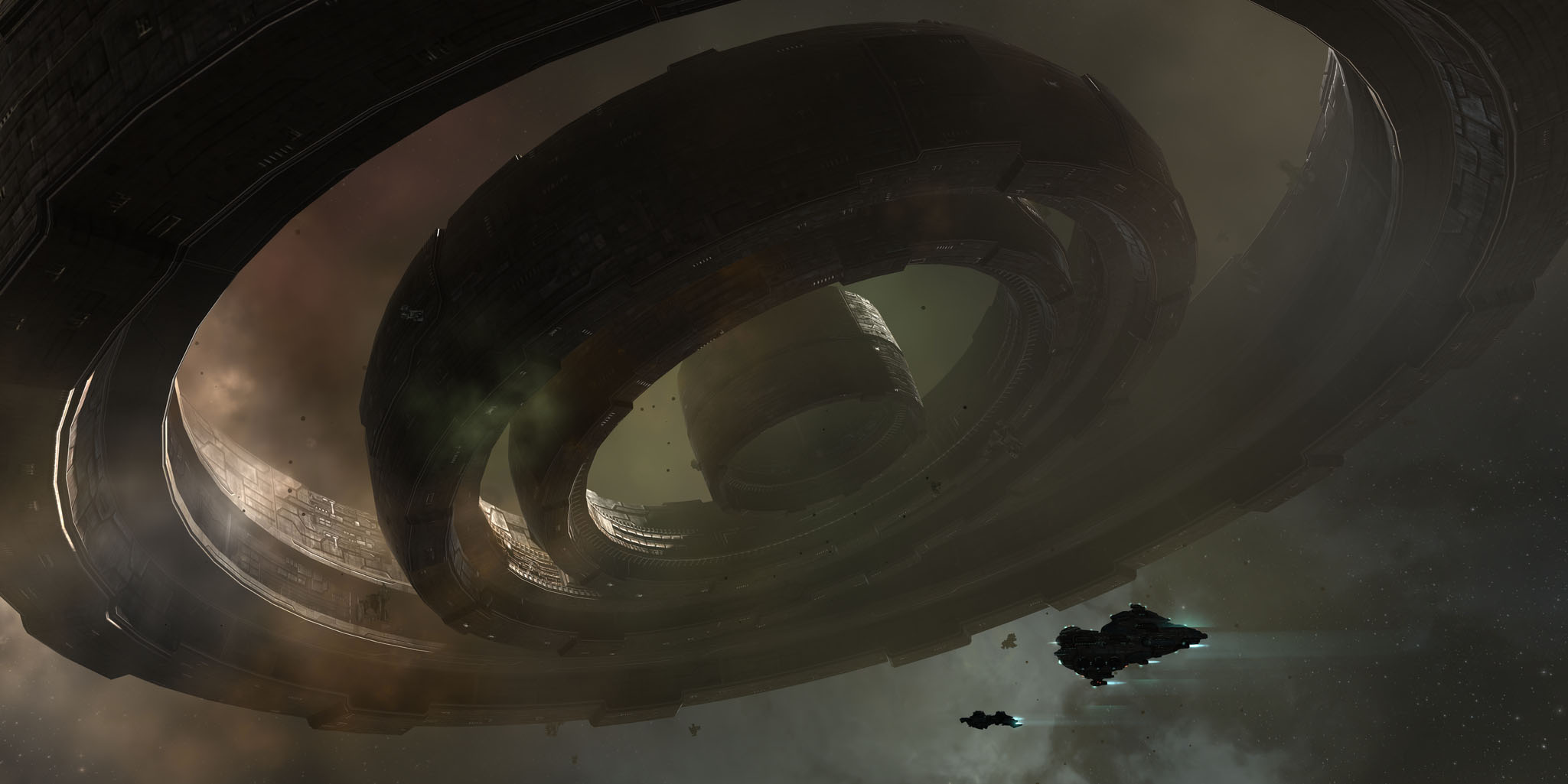
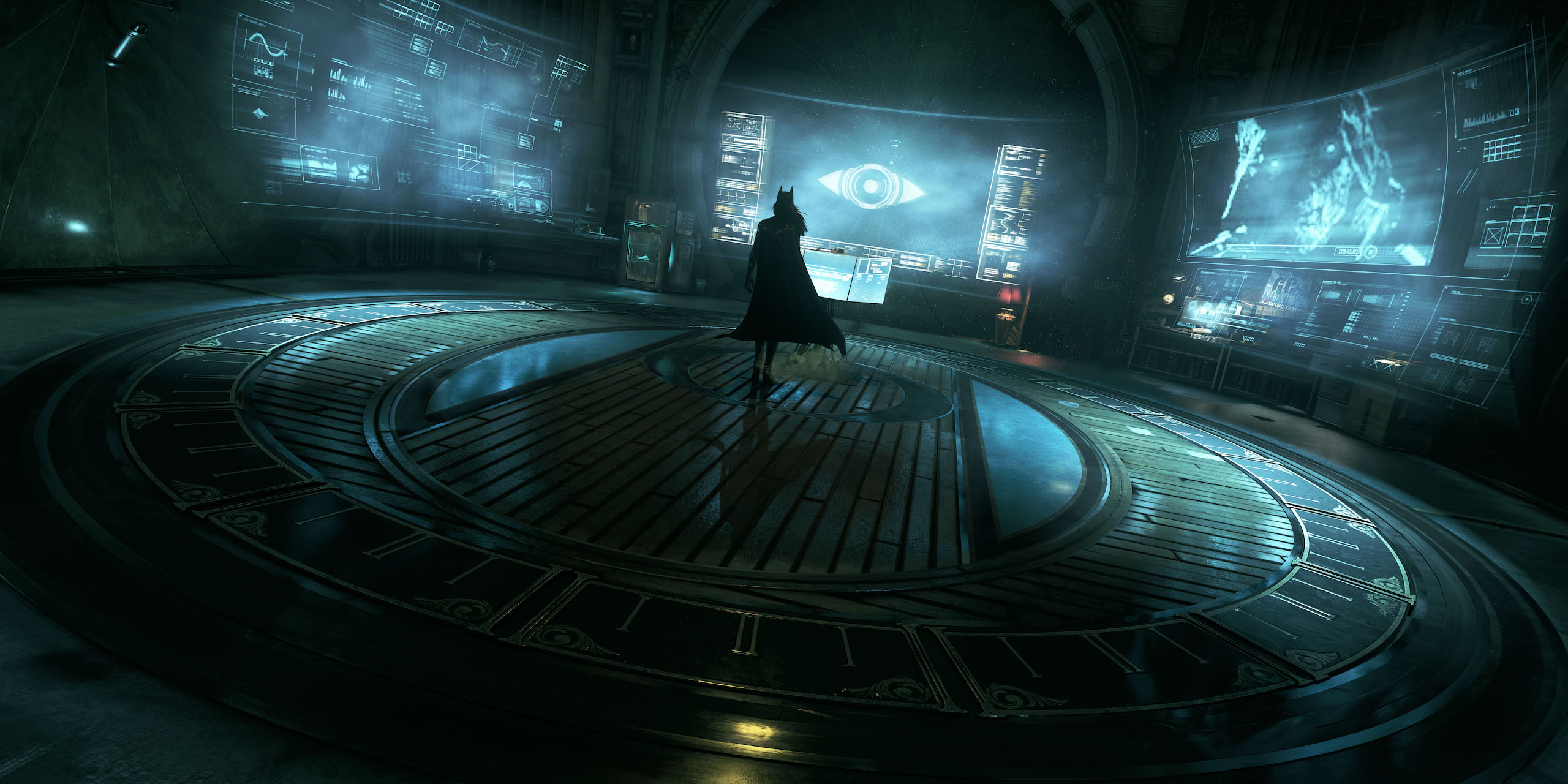
Check out some examples of professional screenshots below, courtesy of Duncan Harris’ Dead End Thrills blog.
All images are captured in-game with no after-effects applied (Click to view full-size images).









 Loading ...

Could also include post process effects like SweetFX.