blaaislaai
New member
Still nothing for me 


Same. Although I'm not too phased as I'm at the Salticrax stage of my monthly bandwidth so would be okay if MS hold off on pushing it down to me for a day or twoStill nothing for me


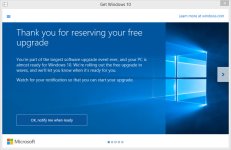

I have the C:\$Windows.~BT directory as well, but I'm still waiting to install. When I click the "Get Windows 10" notification tray icon, I get this:
View attachment 16977
There is apparently a command line trick you can do to get the update to trigger, but I'm not quite there yet. A few more minute before I break out the hammer.


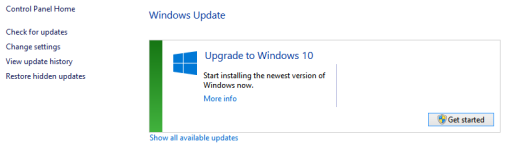
Just run "Check for Updates" and now see this:
View attachment 16979
About to hit the Get Started button. Let's see what happens....

Thanks! No turning back now...Good luck! I'll be doing mine tonight.
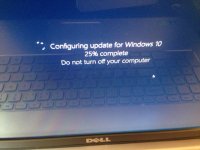
Lucky! Still nothing here...Connected via Teamviewer to my home PC


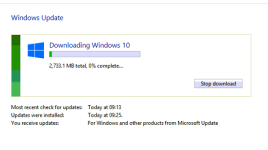
While I'm waiting, maybe one of the IT/Windows gurus can answer a question for me?
I have Win 8.1 single language OEM (with the disk and code) that's presently installed on my gaming rig. I also have a oldish Lenovo laptop that has Vista Ultimate installed on it.
I've applied to get a Student copy/code of Win 8.1 Pro through the college I lecture at with the idea of applying it to the gaming rig before upgrading it to Win 10 Pro.
My question is that once I've done that (applied the new 8.1 Pro code to the gaming rig) will I be able to use my original 8.1 disk in the laptop to upgrade it from Vista to 8.1, and then subsequently to 10?